
Client Management
Maintain client profiles, history, and status controls
Clients Page
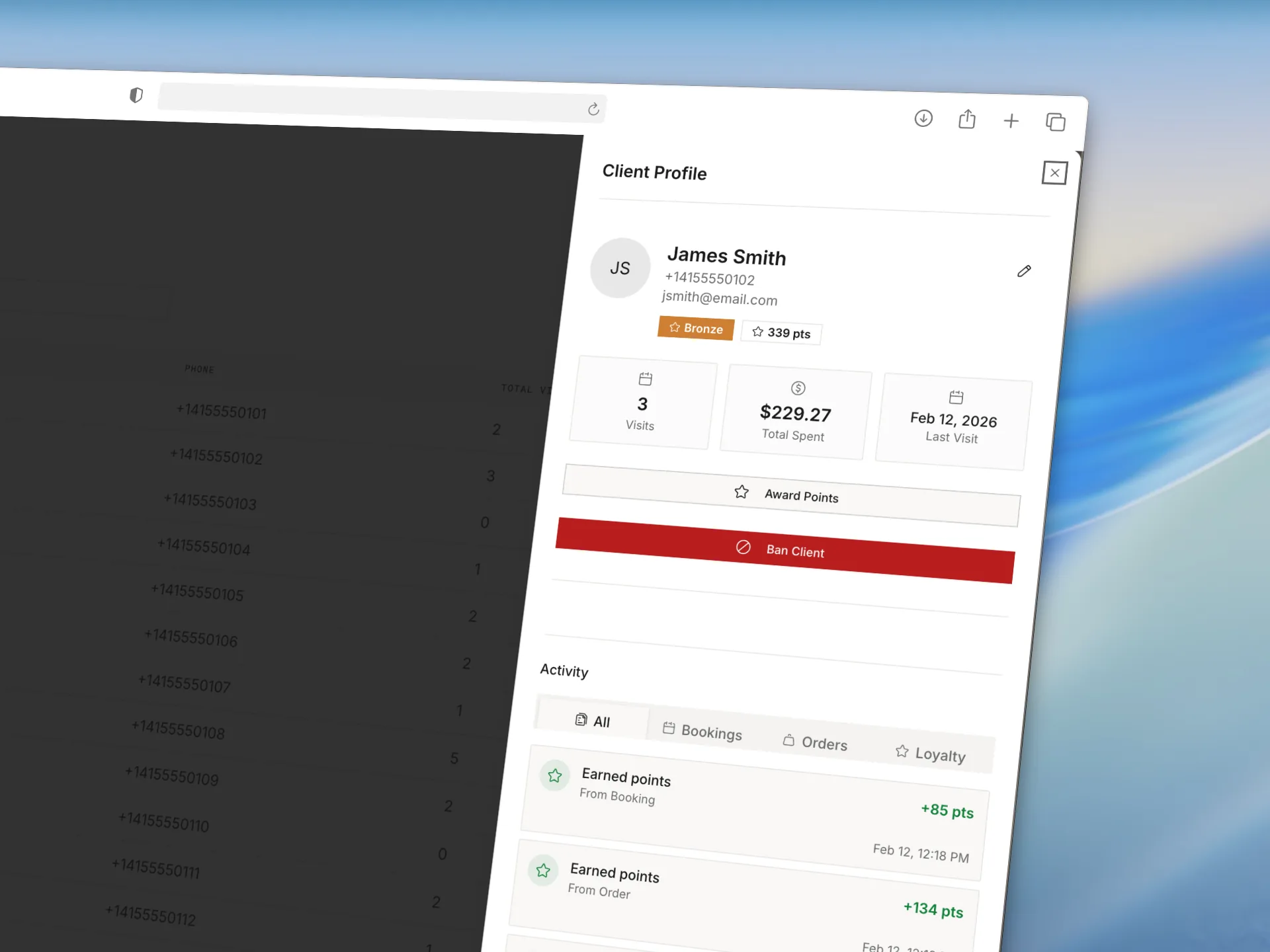
The Clients page provides searchable client records with booking history and profile context.
Core Actions
- Search by name or phone (search covers every client, not just the ones currently loaded on the page)
- Review booking activity and notes
- View loyalty status (if enabled)
- Set a client to Do not contact
- Find and merge duplicate client records
- Ban or unban clients
Do Not Contact
Each client profile has a Do not contact switch. Turn it on for a client who asked not to hear from you, and Studioloop stops all SMS and email to that person and clears their marketing consent. It's a per-client master off switch, separate from the salon-wide notification settings, so use it when one individual opts out rather than turning a whole channel off.
Banned Client Behavior
If a matched client record is banned, new booking creation is blocked for that record in booking channels.
Matching is based on recovered client identity, typically phone-based.